Wonder Learning
E-learning platform with course listings, video embeds, and educational interface
Overview
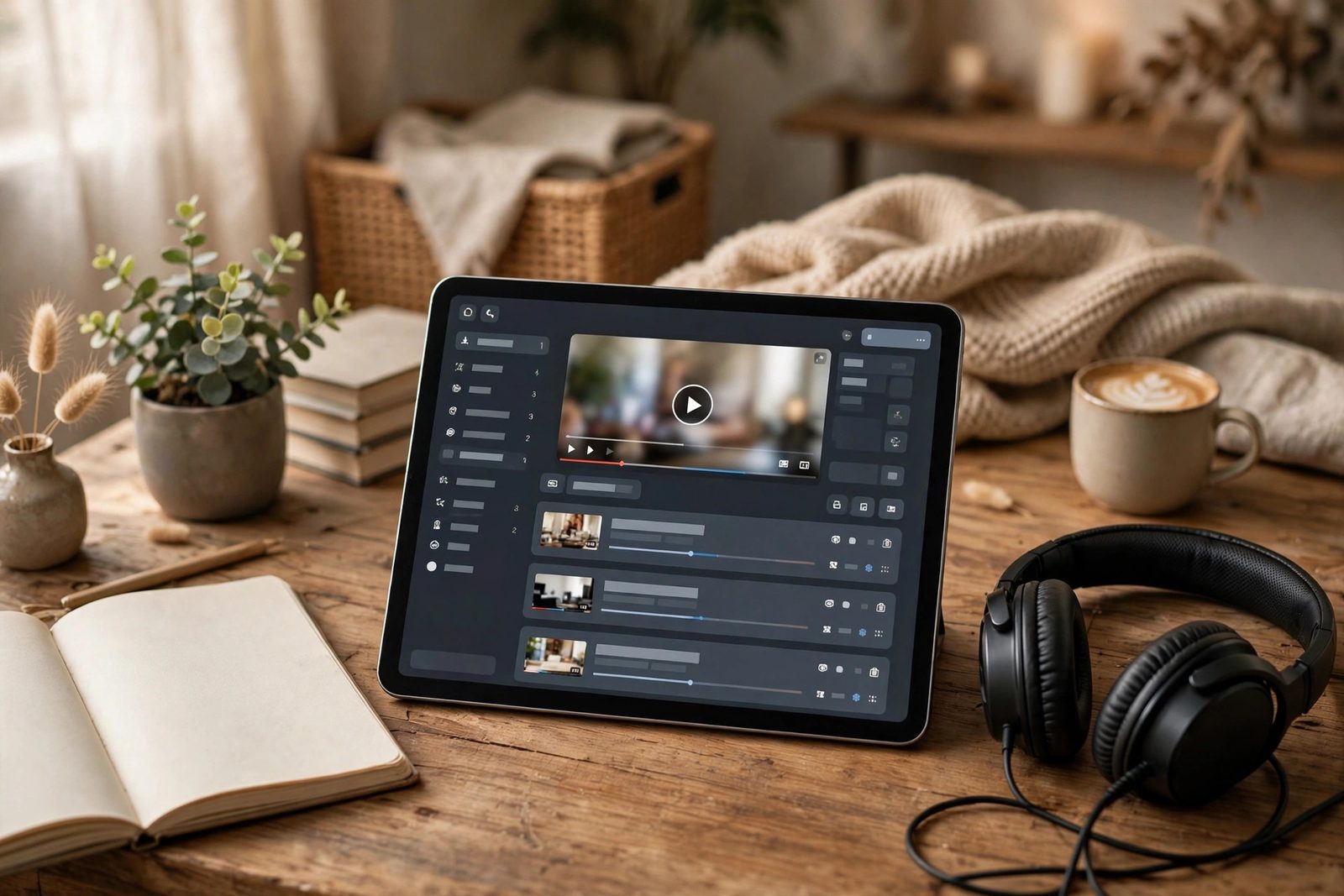
Wonder Learning is a front-end e-learning platform demonstrating a complete course browsing and viewing experience without a backend. The platform features a course catalog home page with category filtering, individual course detail pages that display a lesson list and an embedded video player, and a progress tracking system that persists lesson completion state across sessions using the browser's localStorage API. The course catalog is driven by a JavaScript data array, courses are defined as objects with an ID, title, category, thumbnail, and an array of lesson objects. The UI renders dynamically from this data, meaning new courses can be added by editing the data array alone. The YouTube iframe embed API controls the video player, and localStorage stores a map of completed lesson IDs keyed by course ID, so a returning user sees their progress immediately on page load.
Architecture
Tech Stack
- HTML5, Semantic course and lesson page structure;
data-course-idanddata-lesson-idattributes drive JavaScript interactions; responsive iframe wrapper for the video player - CSS3, CSS Grid for the course catalog; Flexbox for the lesson list sidebar + video player layout; progress bar using CSS
widthvariable driven by JavaScript - Vanilla JavaScript, Course data rendering, category filter, lesson navigation, YouTube iframe control,
localStorageprogress persistence - YouTube Iframe Embed API,
YT.Playerobject for programmatic video control;onStateChangeevent used to auto-mark lessons as complete when the video ends - localStorage API, Stores completed lesson state as a JSON-serialised object keyed by course ID; survives page refresh and browser restarts
Build Process
Defined a JavaScript data model for the course catalog as a flat array of course objects. Each course contains a lessons array, making the entire platform content model self-contained in a single file that any JavaScript module can import.
// course-data.js
const courses = [
  {
    id: 'web-101',
    title: 'Introduction to Web Development',
    category: 'web',
    thumbnail: 'images/web-101.jpg',
    description: 'Learn HTML, CSS, and JavaScript fundamentals.',
    lessons: [
      { id: 'web-101-l1', title: 'What is the Web?',      videoId: 'PASTE_YOUTUBE_ID_HERE', duration: '8:24' },
      { id: 'web-101-l2', title: 'Your First HTML Page',  videoId: 'UB1O30fR-EE', duration: '12:10' },
      { id: 'web-101-l3', title: 'Styling with CSS',      videoId: 'yfoY53QXEnI', duration: '15:33' },
    ]
  },
  // ... more courses
];The catalog page renders course cards from the data array using a template function that returns an HTML string. innerHTML is used to insert the rendered cards into the grid container. Each card's anchor link encodes the course ID as a URL query parameter (?id=web-101) so the course detail page can read it on load.
// catalog.js
function renderCard(course) {
  const progress = getProgress(course.id);
  const pct = Math.round((progress.completed.size / course.lessons.length) * 100);
  return `
    <article class="course-card" data-category="${course.category}">
      <img src="${course.thumbnail}" alt="${course.title}" loading="lazy">
      <div class="course-card__body">
        <h3><a href="course.html?id=${course.id}">${course.title}</a></h3>
        <span class="course-card__category">${course.category}</span>
        <div class="progress-bar">
          <div class="progress-bar__fill" style="width:${pct}%"></div>
        </div>
        <span class="progress-label">${pct}% complete</span>
      </div>
    </article>`;
}

const grid = document.getElementById('course-grid');
grid.innerHTML = courses.map(renderCard).join('');The course detail page reads the course ID from URLSearchParams, finds the matching course in the data array, renders the lesson list, and initialises the YouTube player with the first lesson's video ID. Clicking a lesson item in the list calls player.loadVideoById(videoId) on the YT.Player instance to switch the playing video without reloading the page. The YouTube iframe API script (https://www.youtube.com/iframe_api) is loaded before player.js so window.onYouTubeIframeAPIReady fires once the API is ready.
// player.js
const params = new URLSearchParams(location.search);
const course = courses.find(c => c.id === params.get('id'));

let player;
window.onYouTubeIframeAPIReady = () => {
  player = new YT.Player('video-container', {
    videoId: course.lessons[0].videoId,
    events: {
      onStateChange: e => {
        if (e.data === YT.PlayerState.ENDED) {
          markComplete(course.id, currentLessonId);
        }
      }
    }
  });
};

lessonItems.forEach(item => {
  item.addEventListener('click', () => {
    currentLessonId = item.dataset.lessonId;
    player.loadVideoById(item.dataset.videoId);
  });
});The progress module reads and writes a JSON object in localStorage keyed as 'wl-progress'. The stored structure is a flat object where each key is a course ID and the value is an array of completed lesson IDs. The module exposes getProgress(courseId) and markComplete(courseId, lessonId) functions used by all other modules.
// progress.js
const STORAGE_KEY = 'wl-progress';

function loadAll() {
  try { return JSON.parse(localStorage.getItem(STORAGE_KEY)) || {}; }
  catch { return {}; }
}

function getProgress(courseId) {
  const all = loadAll();
  return { completed: new Set(all[courseId] || []) };
}

function markComplete(courseId, lessonId) {
  const all = loadAll();
  const completed = new Set(all[courseId] || []);
  completed.add(lessonId);
  all[courseId] = [...completed];
  localStorage.setItem(STORAGE_KEY, JSON.stringify(all));
  updateProgressUI(courseId, completed);
}Filter buttons with data-filter attributes show/hide course cards by comparing the filter value to each card's data-category attribute, the same pattern used across multiple projects in this portfolio. The active filter state is preserved in a module-level variable and reapplied after the catalog re-renders to keep the filter consistent after a sort or search operation.
The course catalog uses grid-template-columns: repeat(auto-fill, minmax(280px, 1fr)). The course detail page uses a two-column Grid layout with the lesson list sidebar at a fixed 280 px and the video player taking the remaining width. On viewports below 768 px, the sidebar stacks above the player in a single column.
/* Course detail - two-column layout */
.course-layout {
  display: grid;
  grid-template-columns: 280px 1fr;
  gap: 1.5rem;
  align-items: start;
}

@media (max-width: 768px) {
  .course-layout { grid-template-columns: 1fr; }
}

/* Video player responsive container */
.video-wrapper {
  aspect-ratio: 16 / 9;
  width: 100%;
}
.video-wrapper iframe { width: 100%; height: 100%; }
Learner Journey Flow
Challenges & Solutions
YouTube Iframe API CORS in file:// Context. The YouTube Iframe API uses postMessage for communication between the page and the embedded player iframe. When the HTML is opened directly as a file:// URL, the browser's CORS policy blocks postMessage from a null origin, so the onStateChange callback never fires and the player cannot be controlled programmatically. The solution was to always serve the project from a local development server (npx serve . or VS Code Live Server) during development, and to document this requirement in the project README. In production, the site is served over HTTP/HTTPS where the API functions correctly.
localStorage Data Structure for Multi-Course Progress. The initial design used a single flat array of completed lesson IDs across all courses. This made it impossible to calculate per-course completion percentages without filtering by lesson ID prefix, a fragile coupling between the ID scheme and the progress logic. The redesign uses a nested structure: { courseId: [lessonId, lessonId, ...] }. Each course's progress is independently queryable, and adding or resetting a course's progress is a single key operation. The Set data structure inside getProgress() ensures duplicate lesson completions are impossible without extra checks.
What I Learned
- The YouTube Iframe API requires an HTTP/HTTPS origin,
file://breakspostMessagecommunication; always use a local dev server localStoragestores only strings;JSON.stringify()on write andJSON.parse()on read (inside atry/catch) is the standard safe pattern- Designing the
localStorageschema upfront as a nested object (course → lessons) rather than a flat array makes progress queries clean and independent URLSearchParamsis the clean, modern API for reading query parameters fromlocation.search, no manual string splitting required- Driving UI rendering from a JavaScript data array rather than hard-coding HTML is the foundation of data-driven front-end architecture, adding a new course requires only a new object in the array
- The YouTube
onStateChangeevent withYT.PlayerState.ENDEDis a reliable hook for triggering post-video actions like marking lessons complete - CSS Grid with a fixed sidebar column (
280px 1fr) and a single-column media query override is the simplest correct pattern for two-panel layouts that restack on mobile
How I Built It
Phase 1: Data-driven course catalog. I started with the data model: courses as JavaScript objects (ID, title, category, thumbnail, lesson array), with a matching lessons structure. The whole UI renders from this array, so adding a course is a data edit with no HTML changes.
Phase 2: Catalog page with category filtering. The home page renders course cards from the data and filters by category through event listeners, building the filter logic on the card DOM rather than re-fetching anything.
Phase 3: Course detail and the video player. The detail page lists lessons and embeds the video player via the YouTube iframe API. URLSearchParams reads the course ID from the query string so each page stays shareable by URL. The player's onStateChange hook listens for YT.PlayerState.ENDED to trigger lesson completion.
Phase 4: Progress persistence. Lesson completions are stored in localStorage as a nested object ({ courseId: [lessonIds] }), read with JSON.parse inside a try/catch and written with JSON.stringify. The nested shape was a deliberate redesign after a flat array proved too fragile for per-course progress math.
Phase 5: Layout and polish. A CSS Grid two-panel layout (fixed 280px sidebar, fluid content column) with a single-column media query override handles desktop and mobile. Progress bars, lesson checkmarks, and returning-user state complete the experience.
What You Need
| Category | Item | Notes |
|---|---|---|
| Tool | A local dev server | Required: npx serve . or VS Code Live Server, because file:// breaks the YouTube iframe API's postMessage communication |
| Tool | A modern web browser | Needs localStorage and the YouTube iframe API |
| Software | Code editor | Used for the course data array and the player logic |
| Skill | JavaScript fundamentals | Data arrays, DOM rendering, event handling |
| Skill | YouTube iframe API basics | Player instantiation and the onStateChange lifecycle |
| Skill | localStorage patterns | JSON serialize/parse with try/catch for safe reads |
| Skill | CSS Grid | Two-panel layouts that restack on mobile |
| Account | YouTube (for hosted lesson videos) | Lessons are embedded from YouTube; self-hosted video would need a different player path |
Challenges and Lessons Learned
The YouTube API's CORS wall in file context. Opening the page as file:// silently broke the player callbacks because postMessage from a null origin is blocked. It looked like a bug in my code until I tested through a local server. Lesson: always reproduce third-party API integrations over HTTP/HTTPS during development.
Data schema design upfront. The flat-array progress design coupled lesson ID naming to progress logic. Redesigning to a nested { courseId: [...] } object made every query independent. The broader lesson is that localStorage is a real database of sorts, and it deserves schema thinking too.
Data-driven rendering. Rendering the entire catalog from a JS array was the single most reusable pattern in the project, and it is the direct ancestor of how component frameworks work. Building it by hand made the value of that abstraction concrete.
What Is Next
- Quiz or knowledge-check modules at the end of each lesson with completion gating
- A backend (or a service like Firebase/Supabase) so progress syncs across devices instead of living only in one browser
- Bookmarking and resume playback: remember where the user stopped a video
- Instructor view with per-lesson completion stats across all users
- Search across courses, lessons, and transcripts
- Offline support via service workers for the catalog and lesson metadata